Meters, Test Kits, Inspection Supplies & Tools!
Reference only — this item is no longer available.
This product has been discontinued and cannot be ordered. We keep the page online so the specifications and documentation stay available to anyone still running the equipment. Current replacements are listed further down.
 Discontinued
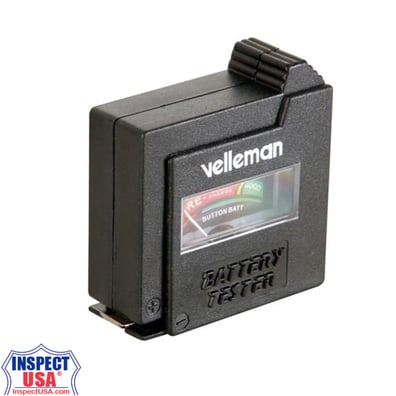
Battery Tester: Analog (VTTEST7) with Test Leads
Reference only — not for sale
| Model | VTTEST7 |
|---|---|
| Manufacturer | Velleman |
| Category | Power Testers |
| Status | Discontinued |
Product details (archived)
The information below is retained for reference only. This item is discontinued and cannot be ordered.
- Battery sizes:
- button cells: 1.5V/1mA
- AA and N: 1.5V/50mA
- C and D: 1.5V/150mA
- lithium cells: 3V/1mA, 6V / 10mA, 9V/10mA, 12V/10mA, 15V/10mA, 22.5V/10mA
- Dimensions: 3.9" x 2.5" x 1.3"
- Weight: 3.0oz
Directions:
- Select the correct battery type and voltage with the recessed range switch. Examples:
- Move the range selector to the position labeled "1.5V AA-C-D" if you
wish to test AA-, C- or D-batteries of 1.5V
- select the "9V"-position to test rectangular 9V-batteries
- select the "BUTTON CELL 1.5V"-position to test mercury, silver or alkaline button cells
- select the "LITHIUM 3V"-position for lithium button cells
- select the "1.5V AA-C-D"-position to test nickel cadmium batteries of 1.25V and read the value on the lowest of the three scales on the analogue display.
- The value indicated on the meter is the load current drain placed on the battery during the check.
CAUTION: Selecting the wrong range will yield inaccurate results. You may also damage the device in the process.
- Place the red probe tip (+) against the positive (+) battery terminal and the black probe tip (-) against the negative (-) battery terminal.
CAUTION : Mind the polarity indications when testing your batteries!
- Select the correct range (see above). Use the following procedure to
test your batteries:
- Place the battery's negative (-) terminal against the VTTEST7's
negative (-) contact and touch the battery's
positive (+) terminal with the red probe tip (+) - In order to test rectangular 9V-batteries : place the battery's negative (-) terminal against the VTTEST7's negative (-) contact and place the battery's positive (+) terminal against the VTTEST7's positive (+) contact
- In order to test button cell batteries: insert the battery in the slot on the side of the device. Make sure the negative (-) pole is facing up and press the brown switch on the front panel.
- Place the battery's negative (-) terminal against the VTTEST7's
negative (-) contact and touch the battery's
CAUTION : Observe the following safety prescriptions in order to avoid all damage to the button cell being tested:
- Do not push the brown switch when using the probe tips to test a button cell.
- Do not allow the red probe tip (+) to contact the black probe tip (-) when using the 9V-contacts to test button cells.
- Read the analogue display to determine the condition of the battery.
- Use the upper scale ("REGULAR") for measuring regular zinc carbon and alkaline batteries.
- Use the centre scale ("BUTTON CELL - LITHIUM") for measuring mercury, silver oxide, alkaline and lithium button cells.
- Use the lower scale ("NICKEL CADMIUM") for measuring rechargeable nickel cadmium batteries
Available replacements in Power Testers
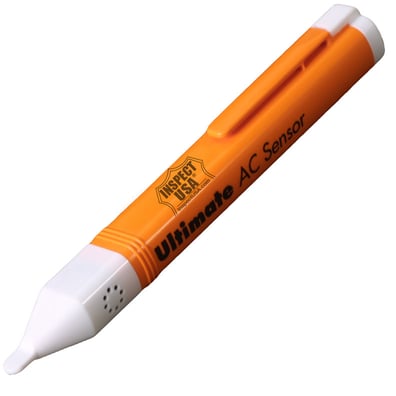
AC Non Contact Voltage Sensor Detector (AC3000) 50 to 1000vAC
$22.95 now $17.19
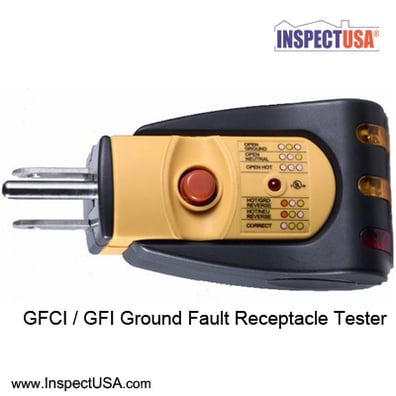
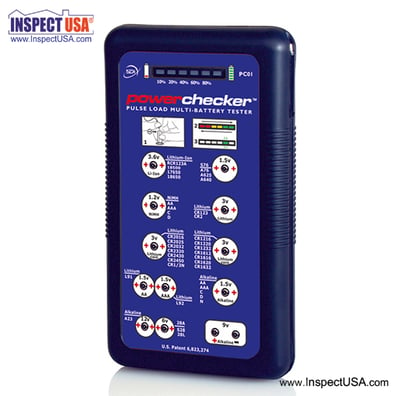
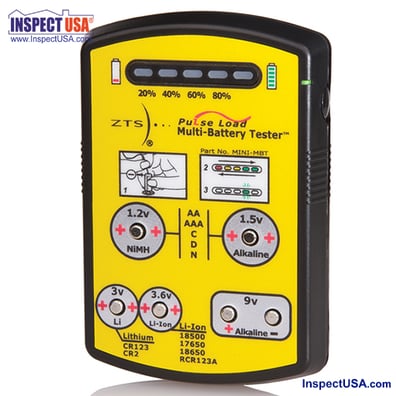
Pulse Load Multiple Battery Tester (PC01) SDI Power Checker
$279.99 now $237.60
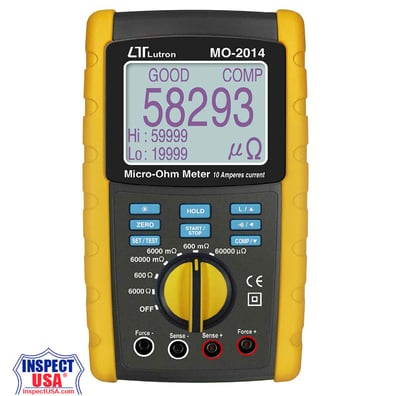
Megger Micro-Ohm Meter (MO-2014) Ruggedized with Leads
$1,170.00 now $990.00
Looking for something specific?
Categories
AgriculturalAir QualityAnemometersCalibration DevicesCarbon MonoxideCombustion AnalyzersElectrical ComponentsEMF Gauss MetersHeat Index MonitorsHygiene / SwabsHygrometers RHInspection SuppliesLeak DetectorsLight / UV MetersManometersMeasuring DevicesMeter AccessoriesMoisture MetersMultimeters / LCRPower AdaptersPower TestersProbes & LeadsRadon / VOC FansRadon TestingRadon Water SystemsRefractometersSafety / SecuritySmoke EmittersSound MetersSpecialty MetersTachometersThermometersTool Bags & CasesTools & HardwareTorque / Force MeterVapor BarrierVibration MetersWater TestingPromotional Items

0 items
Manufacturers