Meters, Test Kits, Inspection Supplies & Tools!
Reference only — this item is no longer available.
This product has been discontinued and cannot be ordered. We keep the page online so the specifications and documentation stay available to anyone still running the equipment. Current replacements are listed further down.
 Discontinued
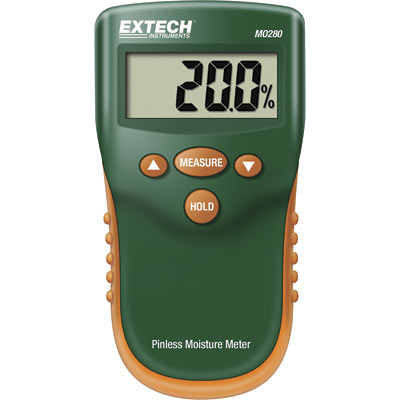
Moisture Meter Pinless (MO280) Non-invasive to 3/4" Depth
Reference only — not for sale
| Model | MO280 |
|---|---|
| Manufacturer | Extech |
| Category | Moisture Meters |
| Status | Discontinued |
Product details (archived)
The information below is retained for reference only. This item is discontinued and cannot be ordered.
The square sensor on the rear of the instrument sends and receives a low
power electromagnetic signal through the material under test. The LCD
shows the average moisture content (in %) of the material under test to a max.
depth of ¾” (20mm). Moisture that is closer to the surface of the
material under test has a greater effect on the average than moisture deeper in
the material. The MO280 is an auto-calibration device; no user
calibration is needed.
Features:
- Select from 10 wood types and measurement ranges
- Measurement depth to 0.75" (22mm) below the surface
- LCD displays % moisture of wood or material being tested
- Quickly indicates the moisture content of materials
- Select from 10 wood types and measurement ranges
- Automatic internal test and calibration
- Electro-magnetic testing technology
- Low battery indication
Specifications:
- Sensor Type: Non-Penetrating
- Range 0 to 99% (limited by wood type)
- Max Resolution 0.1%
- Meter Dimensions: 2.75" (W) x 5.25" (H) x 1.0" (D) (70 x 133 x 25.4mm)
- Weight: 5.6 oz (160g) with battery
- Max. Measurement depth: ¾” (20mm)
- Sensor area 1.6” x 1.6” (40 x 40mm)
- Battery type: 9V (rear compartment)
- Display: LCD with sleep mode
- Operating temperature: 32 degrees F to 122 degrees F (0 degrees C to 50 degrees C)
- Operating humidity: 0 to 60%RH (non-condensing)
Supplied with:
- 9V battery
- Pouch case with zipper & belt loop
- 1 year limited manufacturer's warranty
Directions:
- Slide the rear power switch to the ON position
- IMPORTANT: Hold the meter up so that the rear sensor is not covered by your hand or any surface or object. If the meter emits chirping tones, the sensor is entirely or partially covered
- Momentarily press the MEASURE button to activate the sensor (the LCD display will switch on)
- Press and hold the UP or DOWN button to select a material group 0 to 9 (see table below). When the desired group is displayed, release the button. The meter will briefly chirp
- Firmly press the meter to a smooth flat surface with the sensor side of the meter (back) touching the material under test and wait for the display to stabilize; Note the value on the LCD.
- The meter’s audible tones will sound as the reading changes. A blinking reading with an urgent chirping sound indicates that the measurement is out of the range of the instrument’s capability. Try another range by selecting another material group (see material group & range tables below)
- Press and hold the HOLD button to freeze a displayed reading
- If the meter goes into sleep mode, press the MEASURE button to wake it up. If the meter does not wake or if the low battery icon appears on the LCD, replace the 9V battery located in the rear battery compartment
- Turn the rear power switch to OFF when meter is not in use. This will optimize the battery life
Available replacements in Moisture Meters
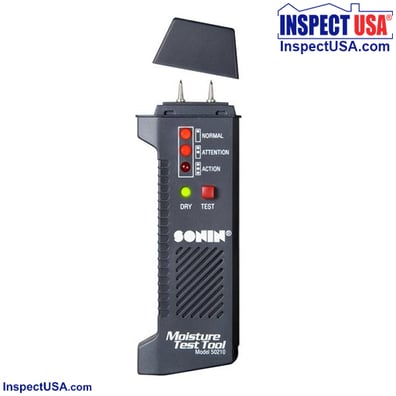
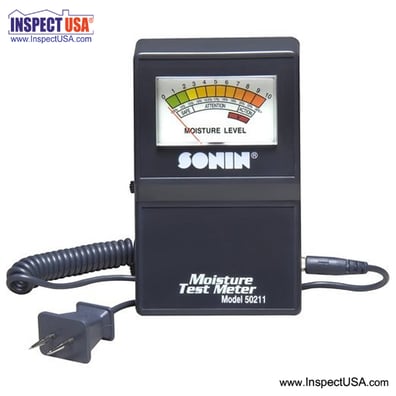
Sonin Rapitest Moisture Meter 10-28% (50211) Coiled Cable
$54.99 now $29.70
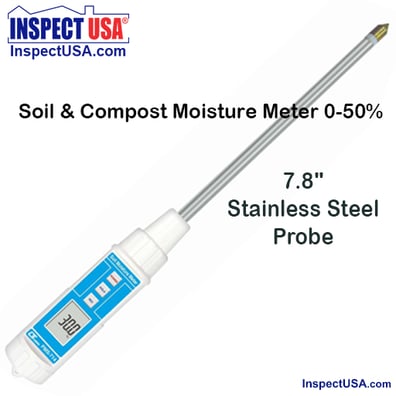
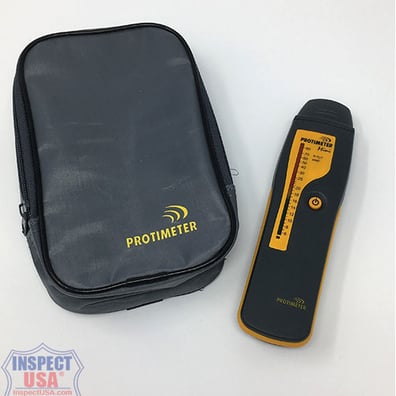
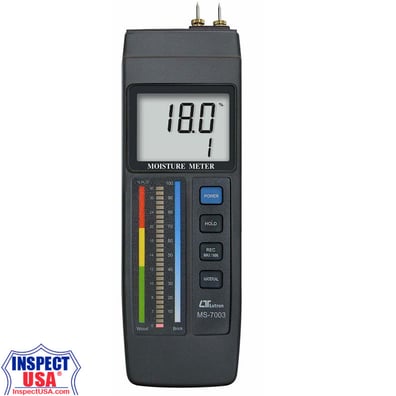
Concrete & Wood Moisture Meter 0-100% (MS-7003) LCD & LED Display
$229.95 now $126.90
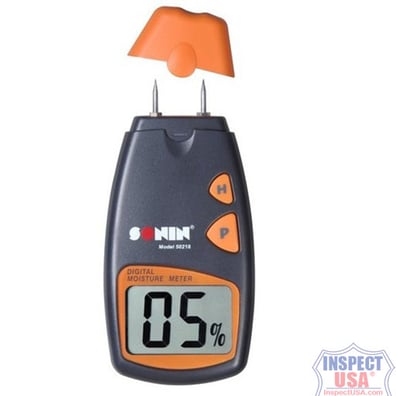
Digital Sonin Moisture Meter 0-40% (50218) with Nylon Case
$77.94 now $39.60
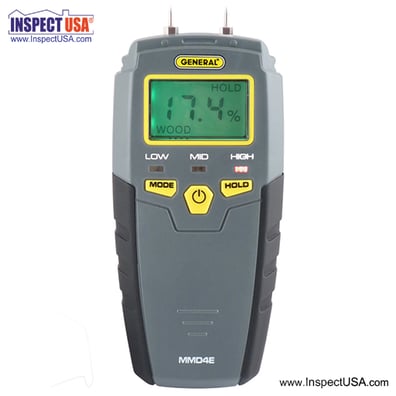
Looking for something specific?
Categories
AgriculturalAir QualityAnemometersCalibration DevicesCarbon MonoxideCombustion AnalyzersElectrical ComponentsEMF Gauss MetersHeat Index MonitorsHygiene / SwabsHygrometers RHInspection SuppliesLeak DetectorsLight / UV MetersManometersMeasuring DevicesMeter AccessoriesMoisture MetersMultimeters / LCRPower AdaptersPower TestersProbes & LeadsRadon / VOC FansRadon TestingRadon Water SystemsRefractometersSafety / SecuritySmoke EmittersSound MetersSpecialty MetersTachometersThermometersTool Bags & CasesTools & HardwareTorque / Force MeterVapor BarrierVibration MetersWater TestingPromotional Items

0 items
Manufacturers